Text to Brainrot Video Generator
Use Text to Brainrot to turn pasted copy or a TXT file into a short video after rewriting it for listening and approving every word.
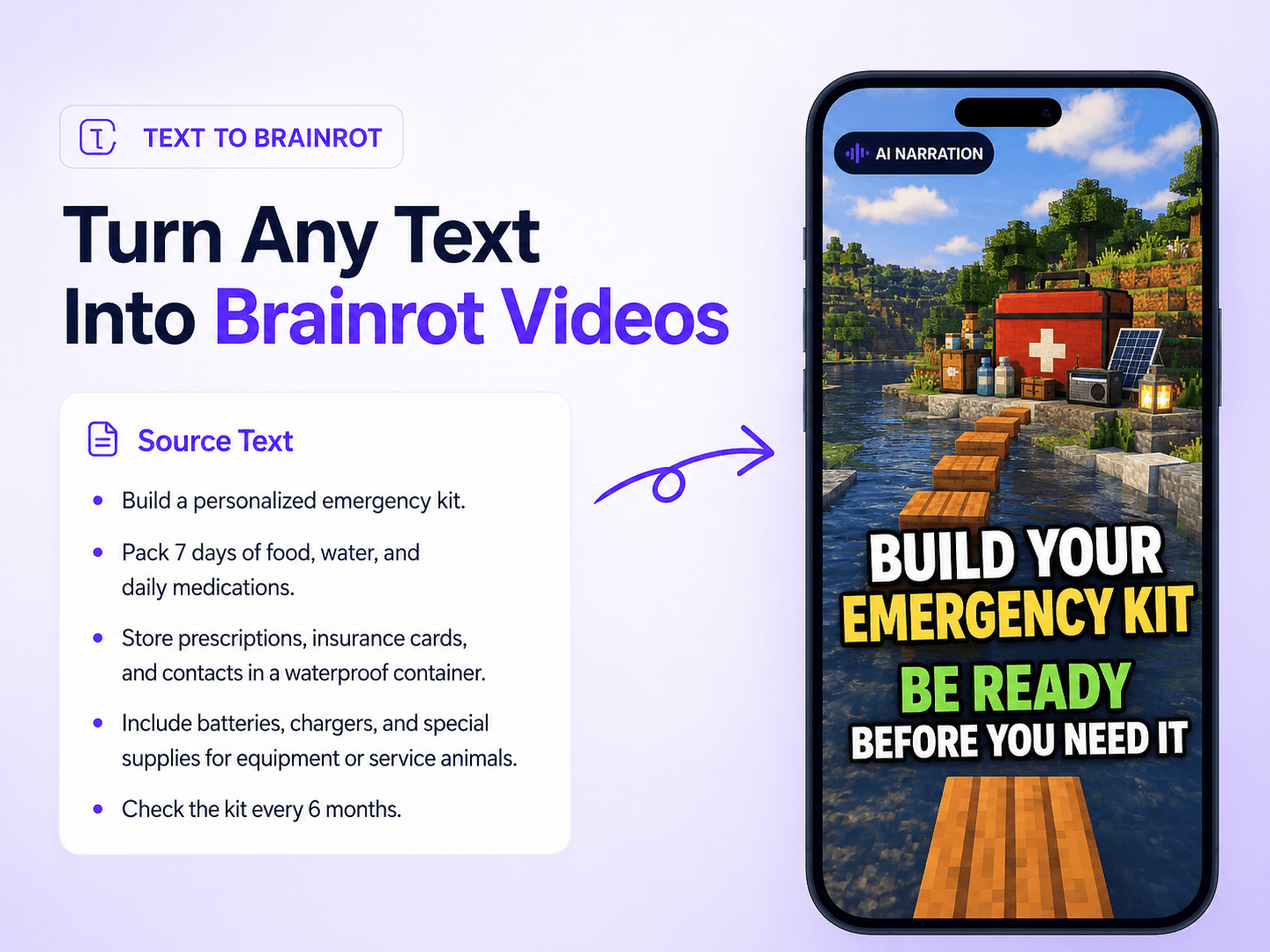
See what happens when the script is written for watching.
These Text to Brainrot examples show how clear narration, moving visuals, and captions turn useful copy into short videos people want to finish.
TEXT TO VIDEO, WITHOUT THE TIMELINE
How Text to Brainrot works in three steps.
Start Text to Brainrot with words you already have, make the narration yours, and choose how the final video feels.
Paste your text or choose a TXT file
Text to Brainrot accepts pasted copy or a TXT file. The file is read in your browser and its content appears in the editor.
Rewrite, read, and refine
Text to Brainrot reshapes the source into concise, conversational narration. Review every line and change anything before generation.
Choose the vibe and create
Finish the Text to Brainrot workflow by choosing moving footage, a voice, a caption style, and optional music, then create your 9:16 video.
AI gets you to a draft. You decide what makes the final cut.
Text to Brainrot keeps the idea while you fix the wording and choose how people see and hear it.
If the text has a point, it can become a video.
Use Text to Brainrot with a paragraph, short script, study summary, story, or training note. Clear source material gives the rewrite a stronger start.
Text to Brainrot built for attention without giving up control.
Best with clear text that already has a point.
Use a paragraph, outline, summary, script, story, or training note with enough context to explain one useful idea.
Text to Brainrot accepts plain .txt files up to 1 MiB. Image files, PDFs, and other document formats are not part of this flow.
Want a rewrite—or want to keep every word as written?
Both paths end with the same brainrot, voice, captions, and music choices. The difference is how the script starts.
Text to Brainrot FAQs

Your text already has the idea. Give it a format people will watch.
Start Text to Brainrot by rewriting the narration, then choose moving visuals, voice, captions, and music for a 9:16 video without an editing timeline.