Notes to Brainrot Video Generator
Use Notes to Brainrot to turn your original words into a vertical short video with AI voice, captions, and moving visuals.
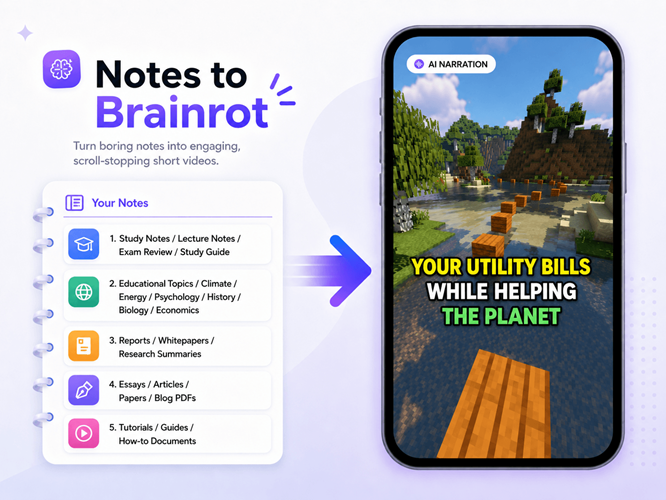
See your notes as a finished video.
These Notes to Brainrot examples show your words becoming narration and captions while moving visuals hold attention.
FROM NOTES TO VIDEO
How Notes to Brainrot works in three steps.
Start Notes to Brainrot with words you already trust, then choose how people experience them.
Paste the finished notes
Notes to Brainrot accepts study notes, summaries, checklists, explainers, or any finished narration you want to use.
Choose how it feels
Select brainrot, a narration voice, a caption style, and optional background music.
Review and generate
Finish the Notes to Brainrot workflow by editing the script if needed, submitting the project, and creating a vertical video.
Control the format without giving up the message.
Notes to Brainrot keeps you in control when the wording matters more than another rewrite.
Turn a clear idea into a watchable short video.
Notes to Brainrot works best with one clear topic, a useful takeaway, and words that sound natural when spoken.
Notes to Brainrot for content you already finished.
Already have the text? Start with Notes. Still have the document? Start with PDF.
Both paths end with the same brainrot, voice, captions, and music choices. The difference is only where you begin.
Frequently Asked Questions

Your notes already have the message. Give them a format people can follow.
Start Notes to Brainrot by pasting your script, then choose moving visuals, voice, captions, and music for the vertical video.