PDF to Brainrot Video Generator
Upload a document and use PDF to Brainrot to create a clear video with AI narration, captions, music, and vertical footage for TikTok and Shorts.
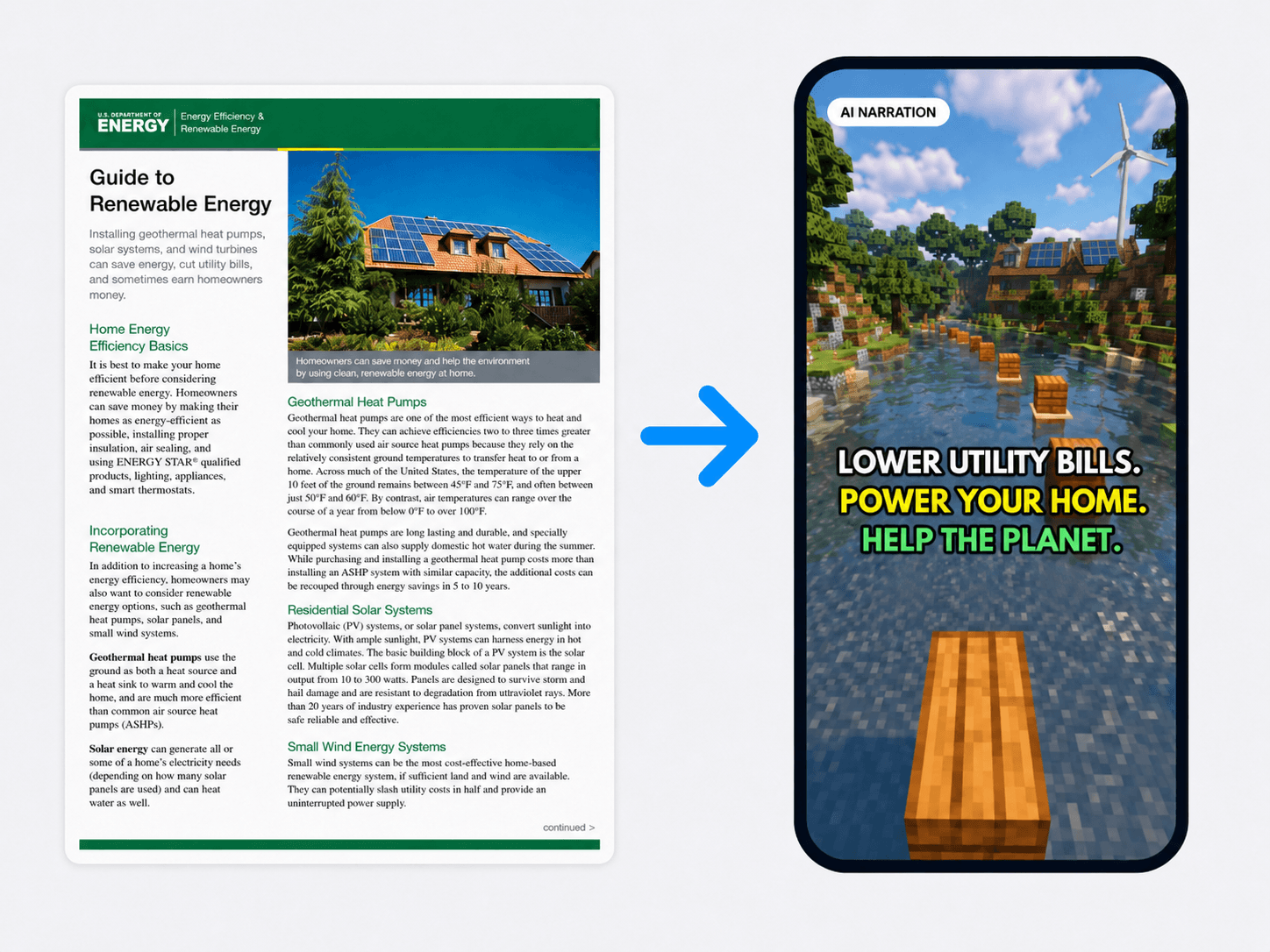
See your PDF knowledge in motion.
These PDF to Brainrot examples show how clear narration, moving visuals, and captions turn dense ideas into short videos people want to finish.
FROM PDF TO VIDEO
How PDF to Brainrot works in three steps.
Start PDF to Brainrot with material you already have, then make the final video feel like yours.
Choose your PDF
PDF to Brainrot works with a text-based document from your device. Your browser extracts readable text without uploading the original file.
Review the narration
PDF to Brainrot reshapes the content into a clear spoken script. Read it, edit it, and keep control of every word.
Choose the vibe and generate
Finish the PDF to Brainrot workflow by selecting moving footage, a voice, a caption style, and optional music, then generate your vertical video.
Keep the format addictive. Keep the result under your control.
PDF to Brainrot keeps the source useful while you decide how people experience it.
If it has a topic, sections, and takeaways, it can become a strong short video.
Use PDF to Brainrot to turn information people avoid opening into something easier to start and follow.
PDF to Brainrot without another editing project.
Best with PDFs that already contain readable text.
Works best with clear titles, section headings, study guides, reports, essays, and step-by-step guides.
Scanned pages, handwritten notes, and image-only PDFs are not supported yet. Paste readable text into Notes to Video instead.
Frequently Asked Questions

Your PDF already has the ideas. Give them a format you’ll actually finish.
Start PDF to Brainrot with notes, guides, reports, or explainers, then add voice, captions, moving visuals, and music.