AI Script to Video Generator
Turn any script into a short video with AI. Let MakeShort write the script for you, paste your own script, or start from a Reddit story. Then choose your image style, subtitle design, AI voice, and background music before you generate and download a ready-to-post video. Turn your ideas into finished videos fast, without complex editing.
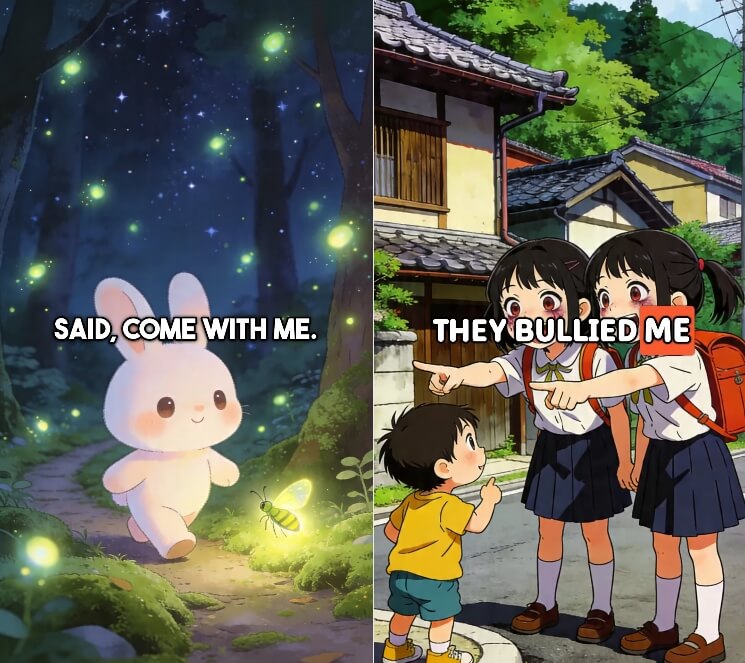
Script-to-video examples made with MakeShort
See short videos created from AI-written scripts, custom story scripts, and Reddit-style scripts. Each video combines AI visuals, captions, voiceover, and music in one simple workflow.
AI Script to Video Maker
How the AI Script to Video Generator Works
Write or paste a script, choose your image preset, subtitles, voice, and music, then generate a downloadable short video for TikTok, YouTube Shorts, Instagram Reels, and more.
Step 1: Write a Script with AI or Use Your Own
Start with an AI-written script, paste your own custom script, or turn a Reddit story into a video script. This gives you a fast way to create story videos, faceless content, explainers, or social clips.
Step 2: Choose Your Visual and Audio Style
Pick an AI image preset style, select the subtitle look, choose an AI voice, and add background music. You control how the final video feels before generation starts.
Step 3: Generate, Download, and Publish
Submit your project and MakeShort turns your script into a finished video. Preview the result, download the file, and post it to Shorts, TikTok, Reels, or your own channels.
The Best Script to Video Generator for Short-Form Content
Frequently Asked Questions

Try MakeShort's AI Script to Video Generator
Write a script with AI or paste your own, choose your style settings, and generate a short video you can download and publish in minutes.