AI Image to Video Generator
Turn any image into a scroll-stopping video in minutes. Upload a photo, product shot, or illustration, add a prompt, and generate MP4 clips with leading models like Sora 2, Veo 3, Kling AI, Runway, and more—no timeline editing.
Multi-Model Image to Video
All-in-One Image to Video AI (Multiple Models, One Workflow)
Create videos from an image with the model that matches your style—photoreal, anime, product shots, or cinematic. MakeShort brings top AI video models into one image to video generator so you can compare results, refine prompts faster, and export ready-to-post MP4 in high quality.
Seedance 2.0 AI Video Generator (Coming Soon)
Seedance 2.0 is designed for stronger structure and scene consistency with references (text, images, clips, and audio). It’s on our roadmap for the MakeShort AI image-to-video generator. Until then, you can animate images today with our available models, including Sora 2.
Roadmap model
Seedance AI Video Generator (ByteDance)
Generate AI videos with Seedance in MakeShort AI. Use an image as a visual reference, add a short prompt, and iterate quickly to explore motion, camera moves, and style variations.
Fast iterations + motion
Kling 3.0 AI Video Model (Image-to-Video)
Create cinematic clips by animating a reference image with Kling 3.0 inside MakeShort AI. Start from your image, describe the action and camera direction, and export a clean MP4 for social, ads, or storyboards.
Reference image + cinematic motion
Create Stunning Videos from Images with MakeShort AI Image to Video Tool
Convert images into high-quality videos instantly with MakeShort AI’s advanced image-to-video generator. Turn photos into dynamic video content with realistic motion, AI animation, and synchronized audio—no editing skills required. Perfect for content creators, marketers, and social media growth, MakeShort AI helps you produce engaging videos faster and easier than ever.
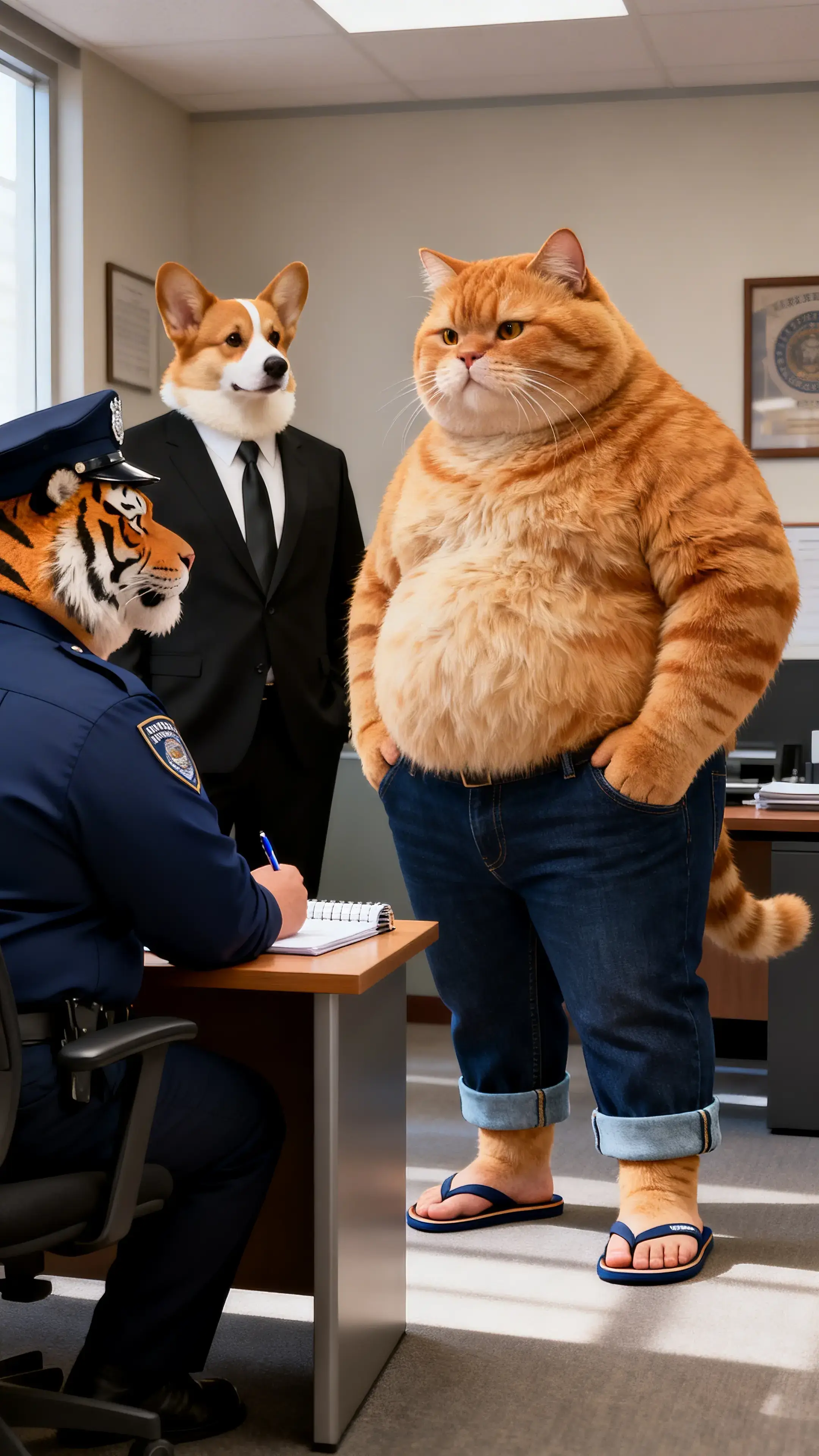
Prompt
A tiger is speaking, gesturing with both hands in sync with its speech. An orange tabby cat and a corgi dog listen silently. The camera moves in a horizontal circular motion around them.
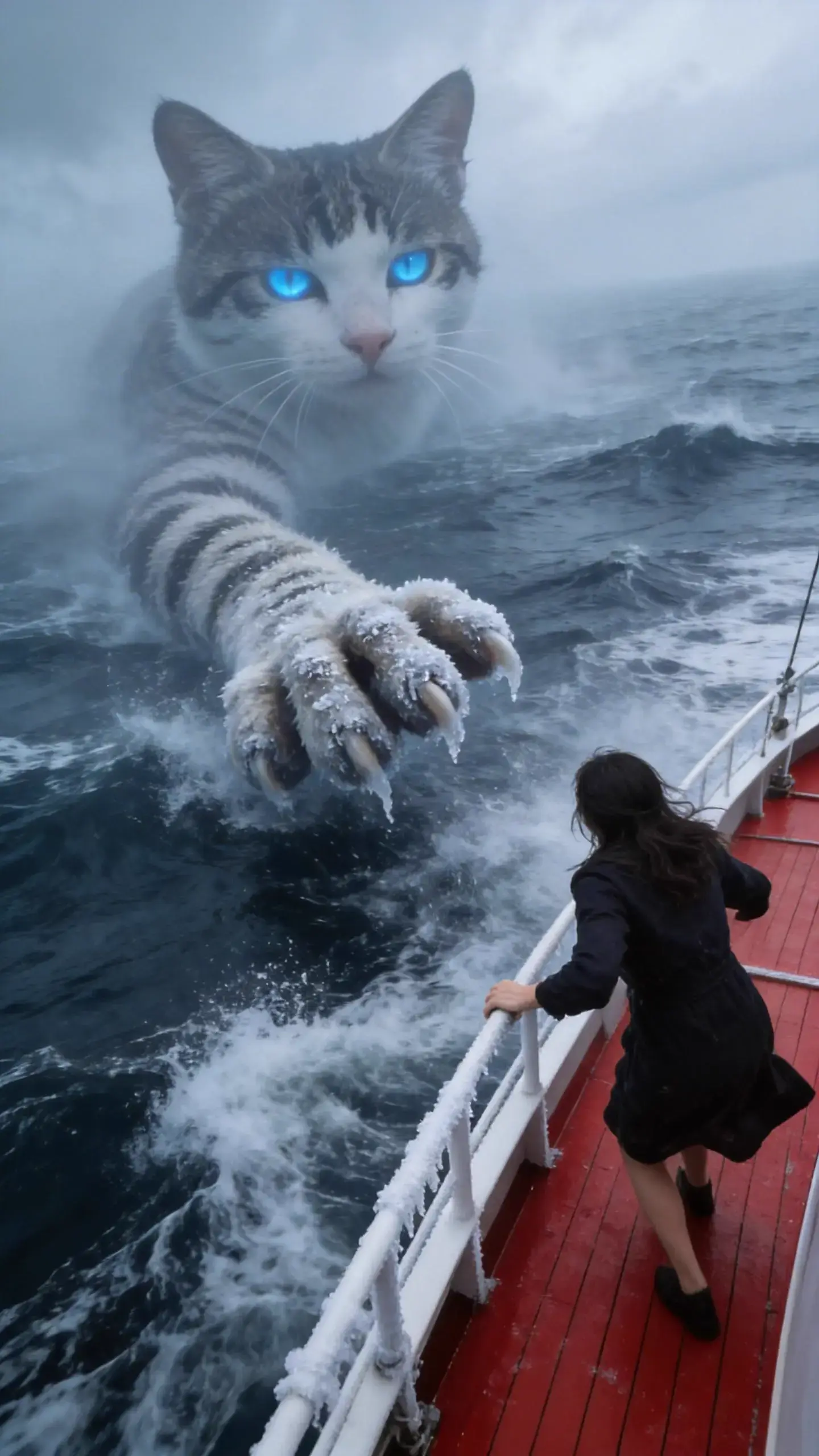
Prompt
Massive waves crash, thick fog surrounds the scene. Suddenly, a giant cat appears faintly, looming in and out of view. Its enormous paw reaches toward a ship, and a woman panics, shouting “Help!” After 5 seconds, the woman takes out a cat treat stick, and the cat instantly becomes gentle, eating it with its mouth.
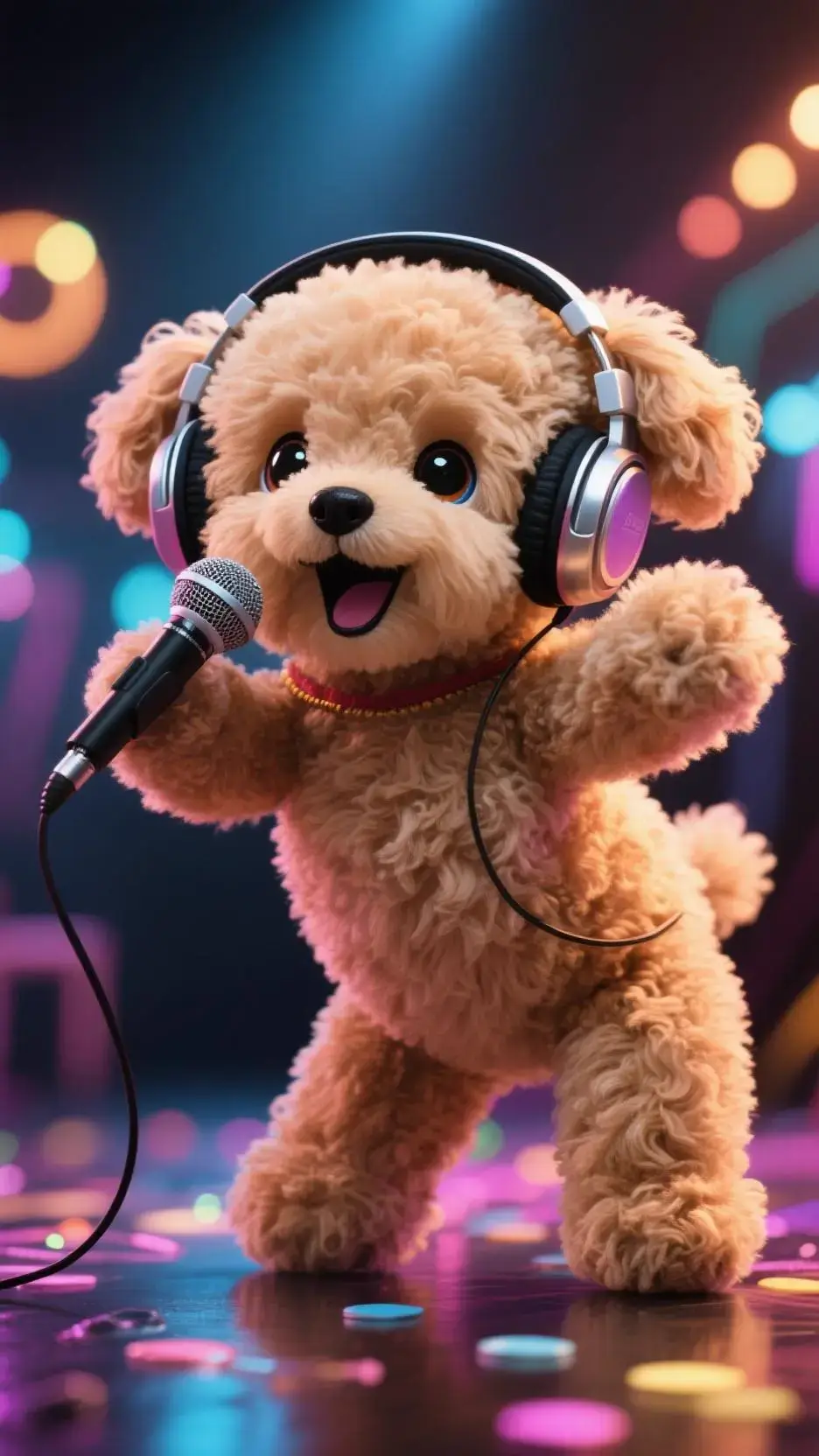
Prompt
A fluffy white puppy dances to a 4/4 beat, singing while dancing, with movements like head tossing, eyes closed, and hip twisting.
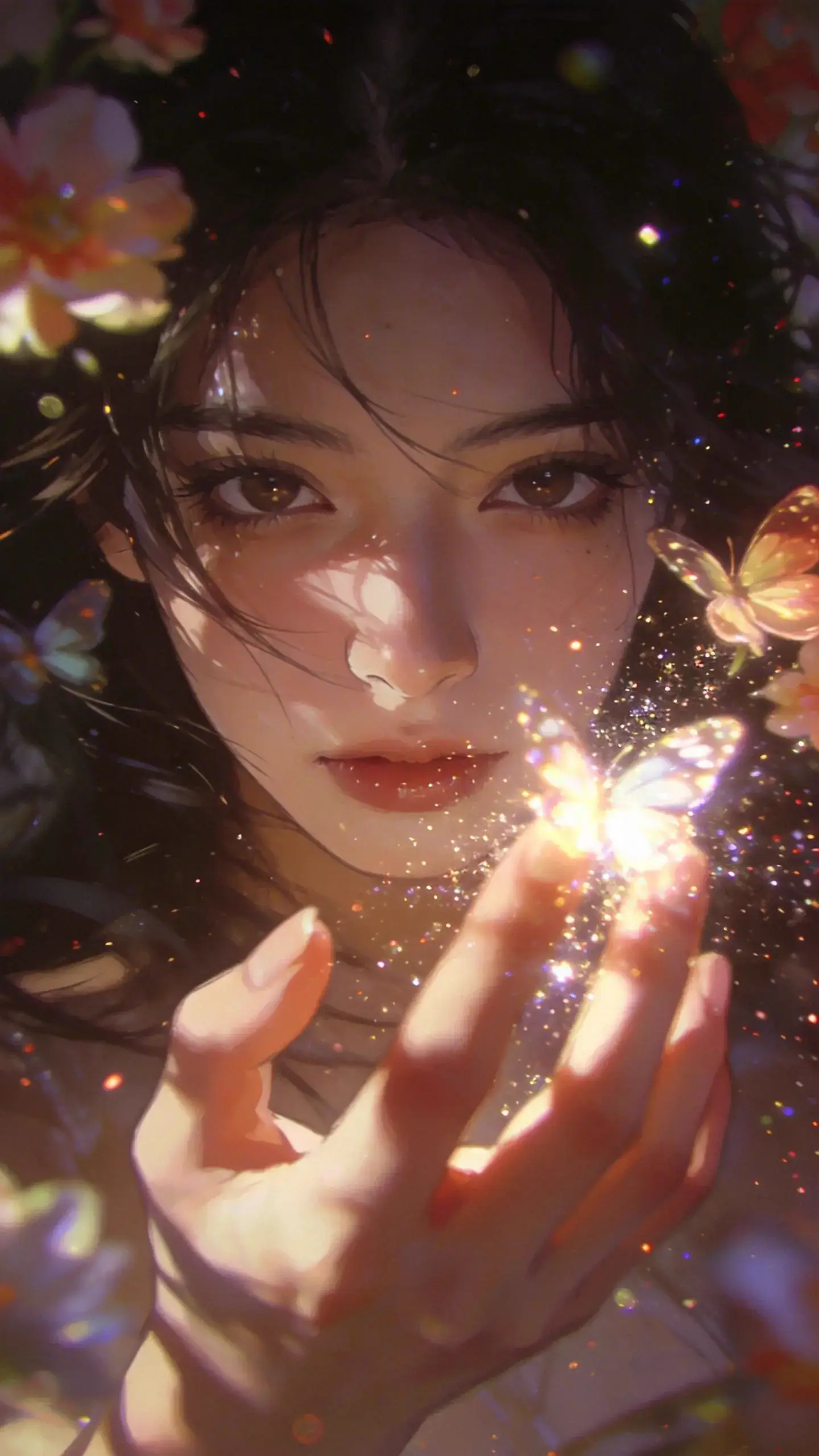
Prompt
Strands of hair gently sway, then the character blinks, and looks at a butterfly in their hand. The butterfly slowly flaps its wings as particle light effects softly drift downward.
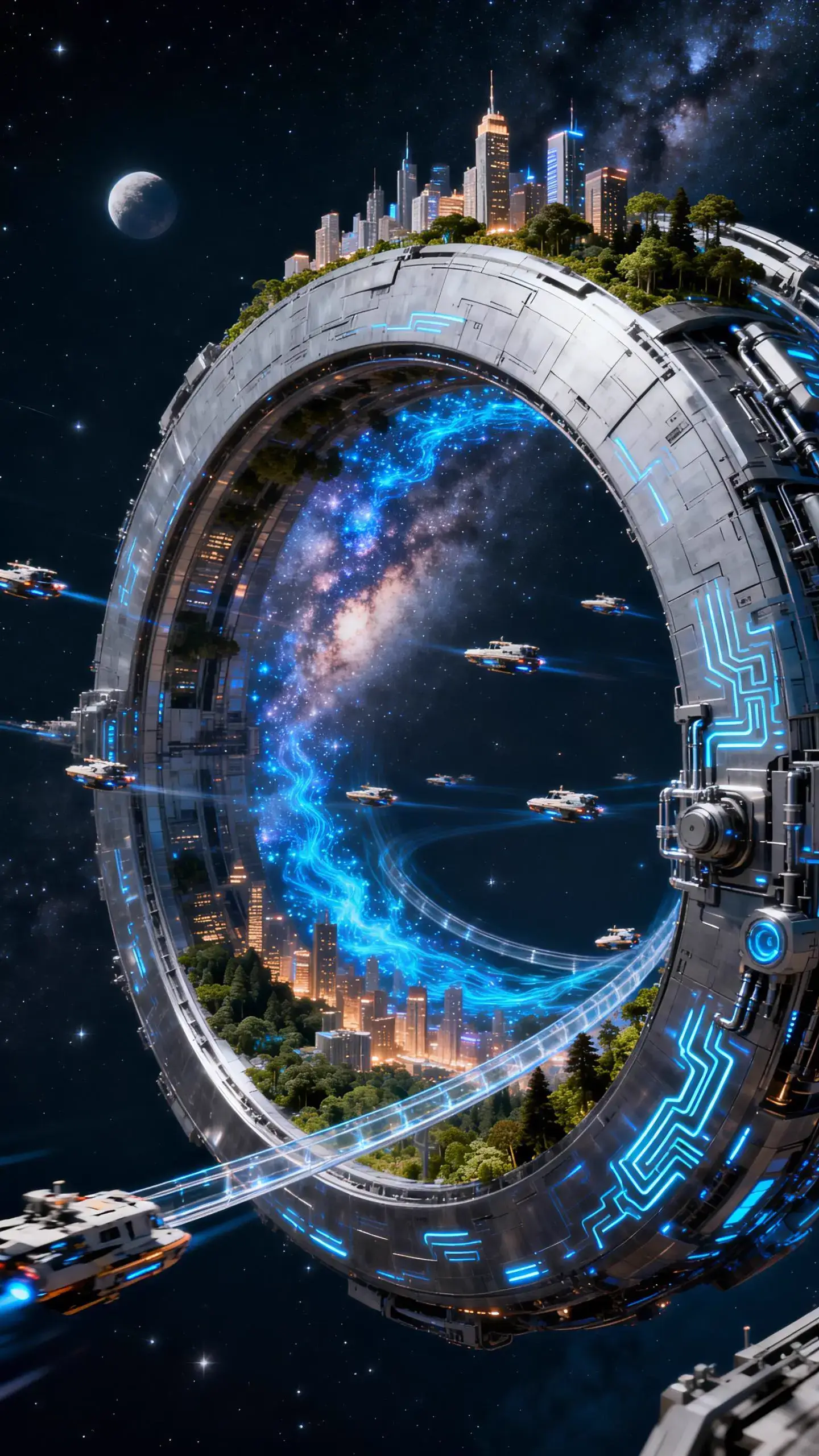
Prompt
A giant artificial ring structure orbits a star, rotating slowly. The silver-gray metallic surface of the ring supports futuristic cities and forest ecosystems. The glow of the galaxy reflects off the polished metal ground. Countless miniature transport ships travel along transparent tracks. Fluorescent blue nebula particles flow through the gaps in the ring. The mechanical surface is covered with glowing circuit patterns and hydraulic structures. Cool-toned cosmic light contrasts with warm urban neon. Rendered in a 16K ultra-high-definition, full depth-of-field space photography style, showcasing a magnificent fusion of cyberpunk mechanical aesthetics and epic space grandeur, with dynamic motion.
An Image to Video AI for Creators, Marketers, and Teams
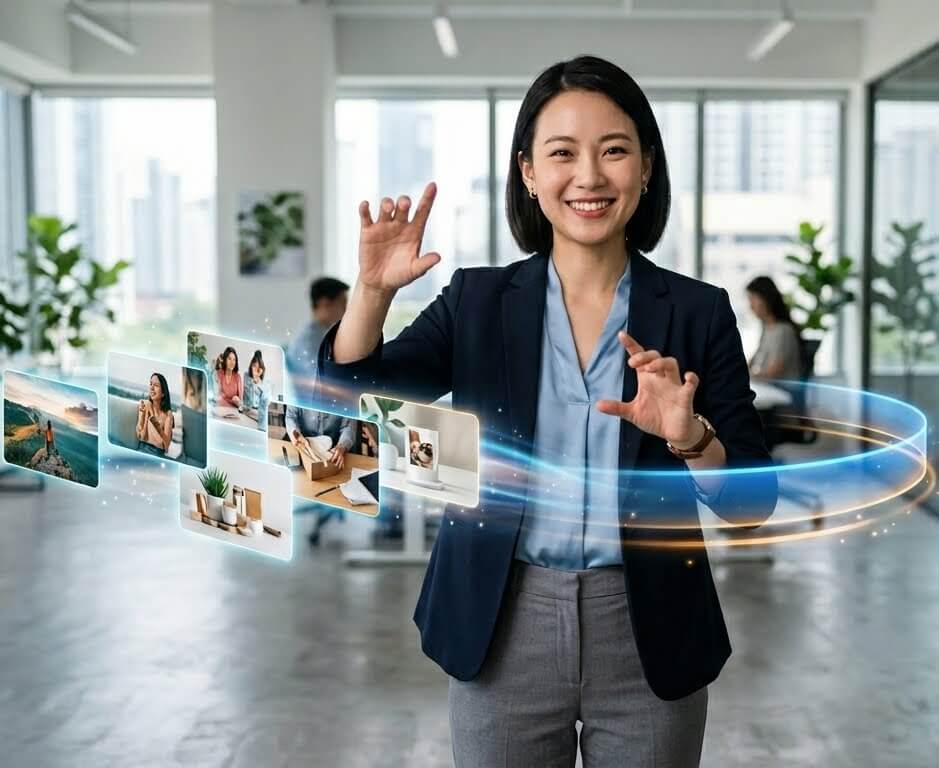
Turn a product image into a polished video with motion, camera movement, and on-brand style. Create multiple variants fast without reshoots.
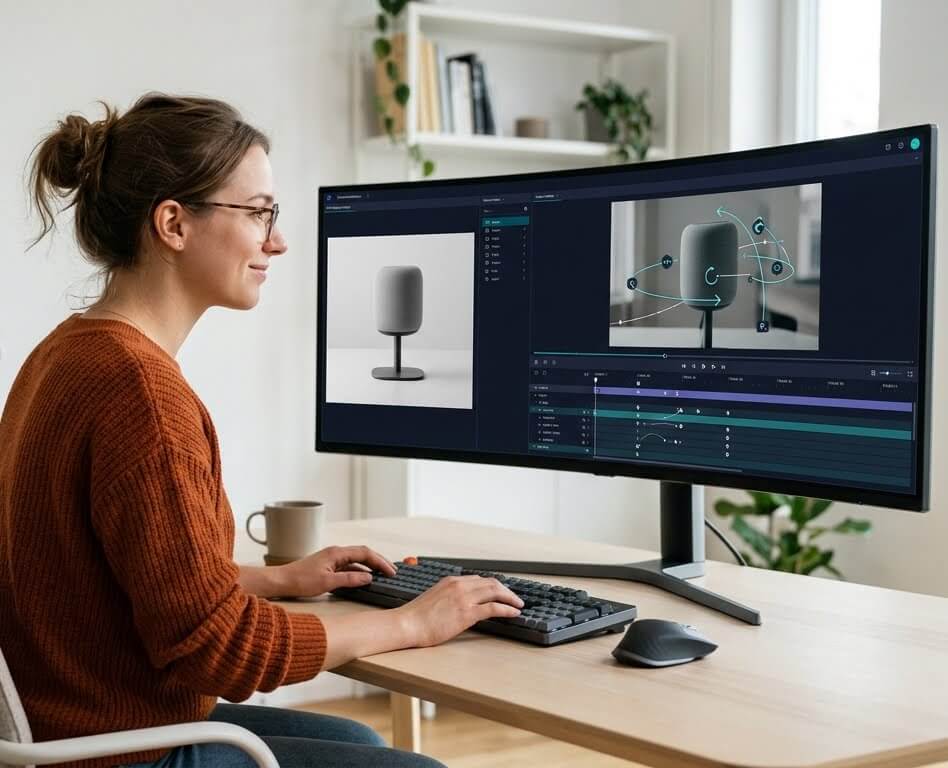
Convert static creatives into multiple video variations, test what works, then iterate with better prompts. MakeShort keeps your image-to-video workflow simple—even at volume.
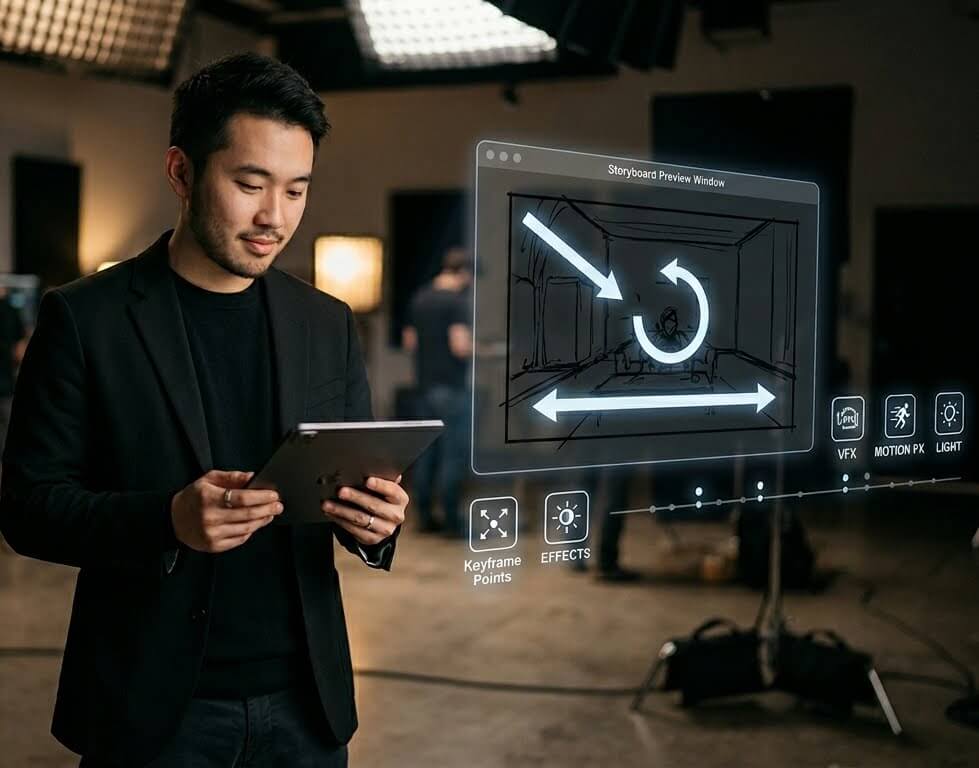
Animate frames, explore camera movement, and experiment with mood and lighting before you shoot. Use AI image to video generation to validate ideas and save rework.
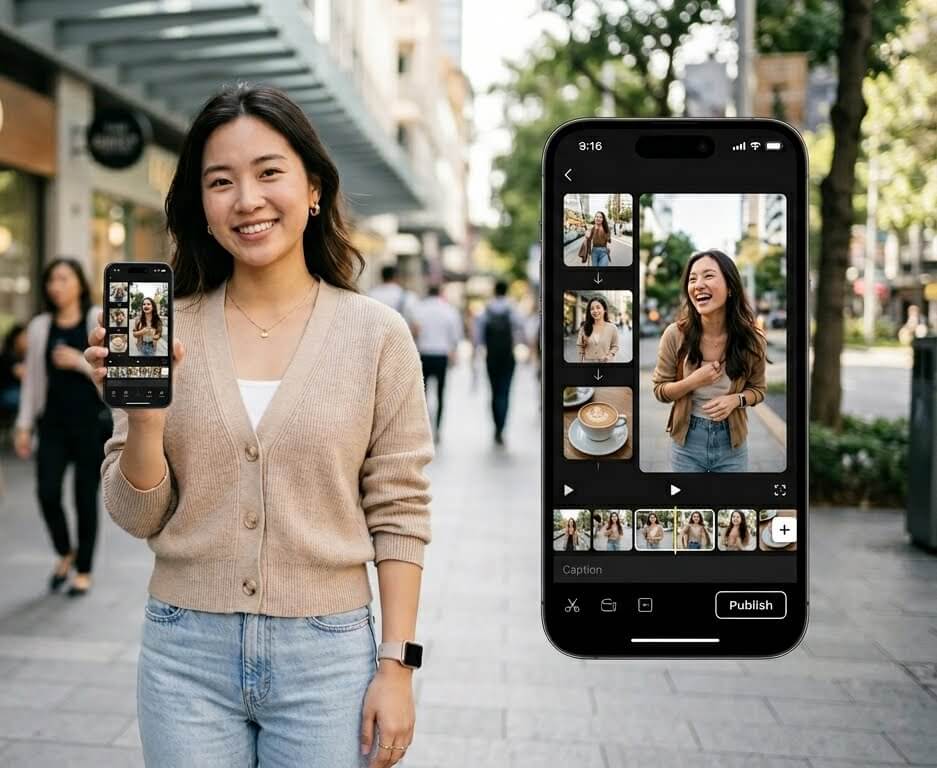
Animate portraits, outfits, and travel shots into short-form clips you can publish quickly. Spend less time editing and more time creating content your audience wants.
AI Image to Video Generator
How to Create Videos from Images (3 Steps)
Use our AI image to video generator to turn a photo into a finished clip. Follow these steps to get better results from your first generation:
Upload a Clear Image
Start with a high-quality photo, product shot, or illustration. Clean edges, good lighting, and a clear subject help the model preserve details while adding motion.
Add a Prompt + Choose Settings
Describe the motion you want (camera pan, zoom, dolly), the action, and the style. Then choose a model and set duration, aspect ratio (16:9, 9:16, 1:1), and resolution for TikTok, YouTube, or ads.
Generate, Download, and Iterate
Generate your clip, download the MP4 when it’s ready, then iterate. Swap the prompt to change motion and mood, or try a different model to compare results fast.