AI Portrait Generator - Create Stunning Portrait Photography
Generate professional portrait photography with AI. From LinkedIn headshots to artistic character portraits, create photorealistic or stylized portraits with perfect lighting, composition, and expression control.
Professional Portrait Photography
Master Portrait Lighting and Composition
Our AI understands portrait photography principles—the rule of thirds, Rembrandt lighting, catchlights, and depth of field. Generate portraits with professional studio quality, natural expressions, and perfect skin tones.
Photorealistic Facial Features
Nano Banana 2 renders hyper-realistic facial features with accurate anatomy, natural skin texture, and lifelike eyes. Perfect for professional headshots and character portraits that need photorealism.
Generate photorealistic portraits with natural skin tones and expressions.
Precise Lighting Control
Nano Banana Pro gives you control over lighting direction, intensity, and quality. Specify studio lighting, golden hour, dramatic side lighting, or soft window light for professional results.
Control portrait lighting like a professional photographer.
Expression and Pose Variety
Seedream 4.5 rapidly generates portraits with different expressions, angles, and poses. Explore confident smiles, serious professional looks, or creative artistic expressions instantly.
Explore dozens of expressions and poses in minutes.
Perfect for Every Portrait Need
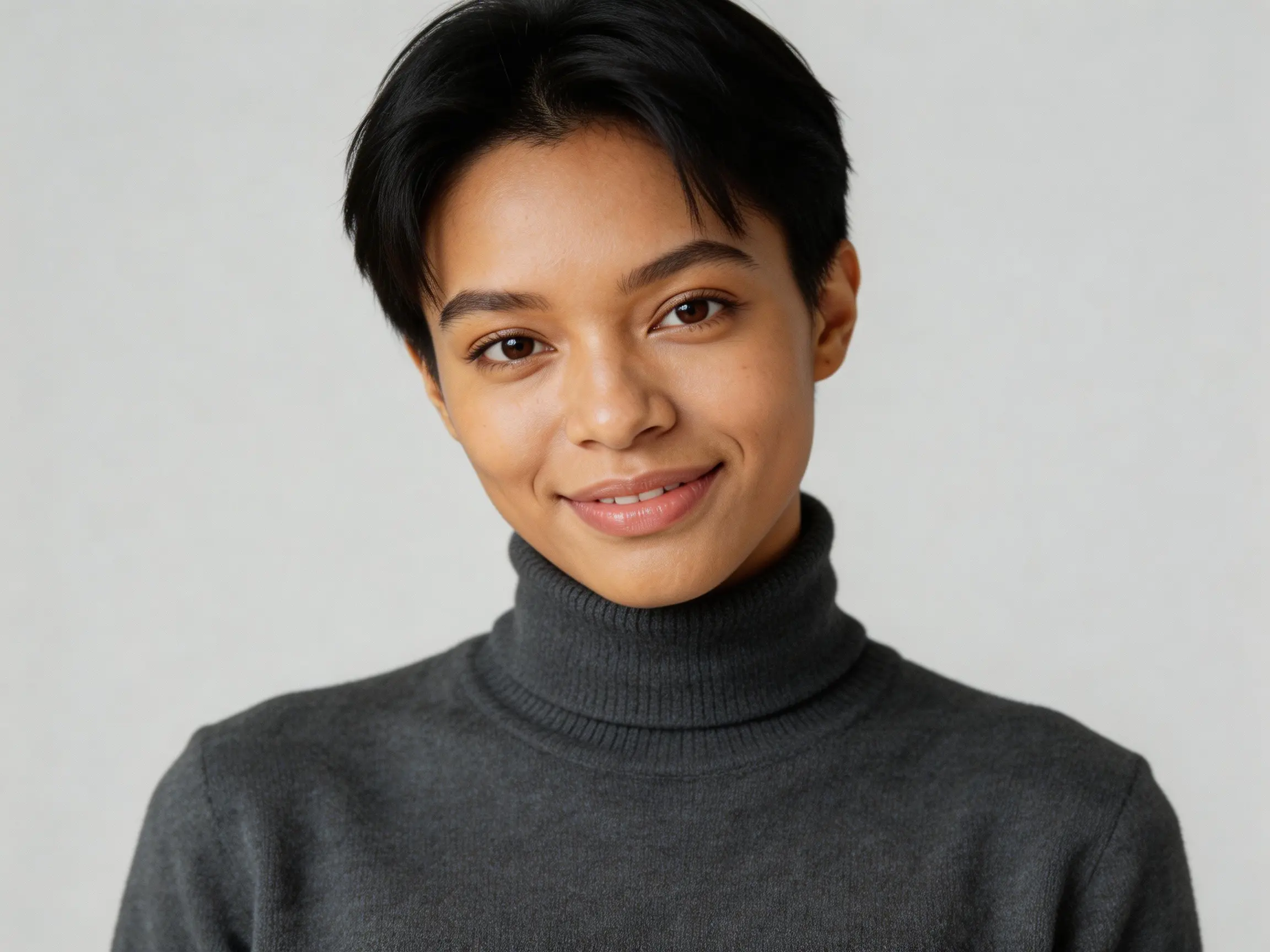
Generate professional headshots with studio lighting, neutral backgrounds, and confident expressions. Perfect for LinkedIn, company websites, and business cards.
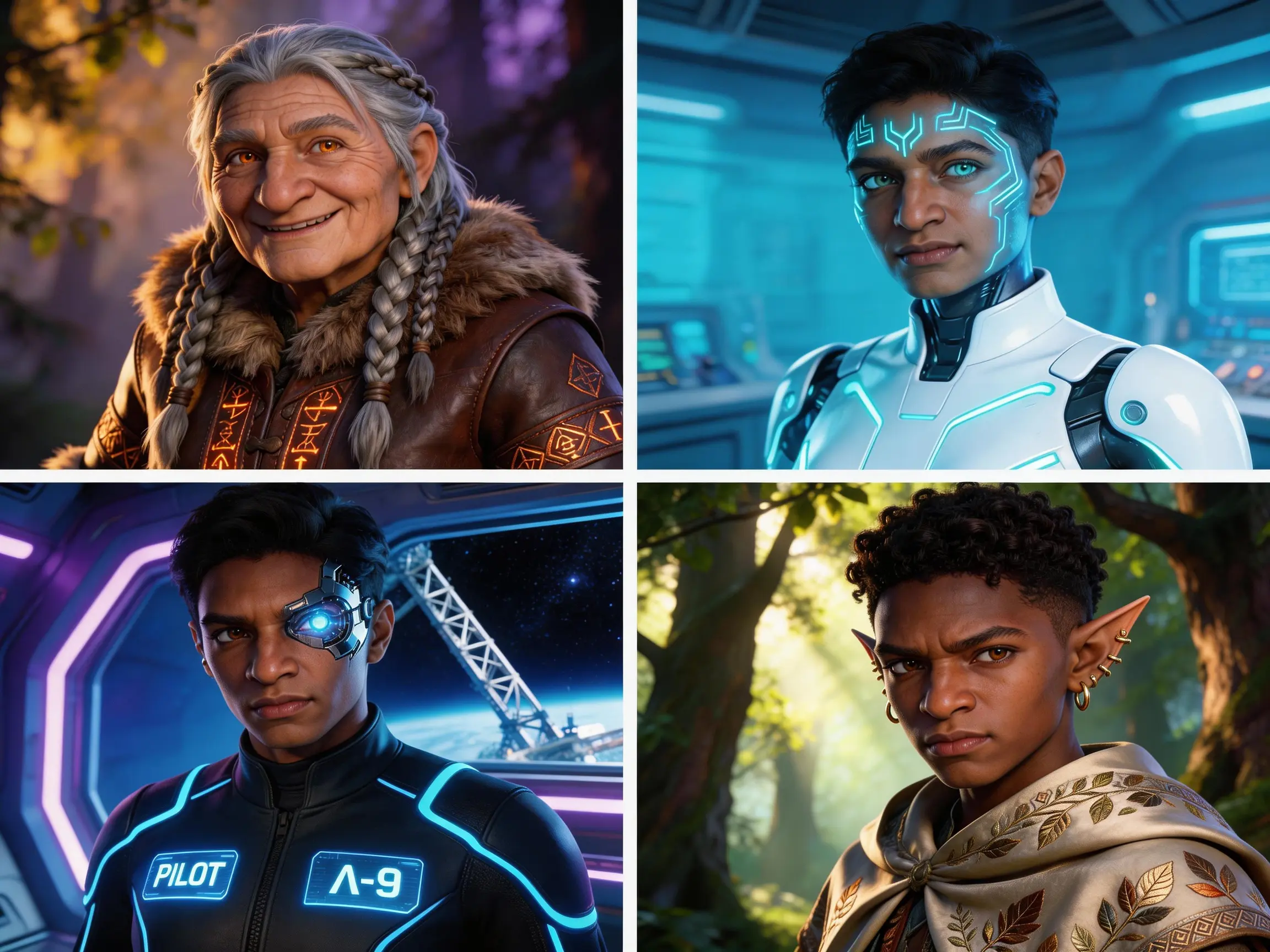
Create detailed character portraits for games, novels, and creative projects. Control age, ethnicity, expression, and styling to match your character descriptions.
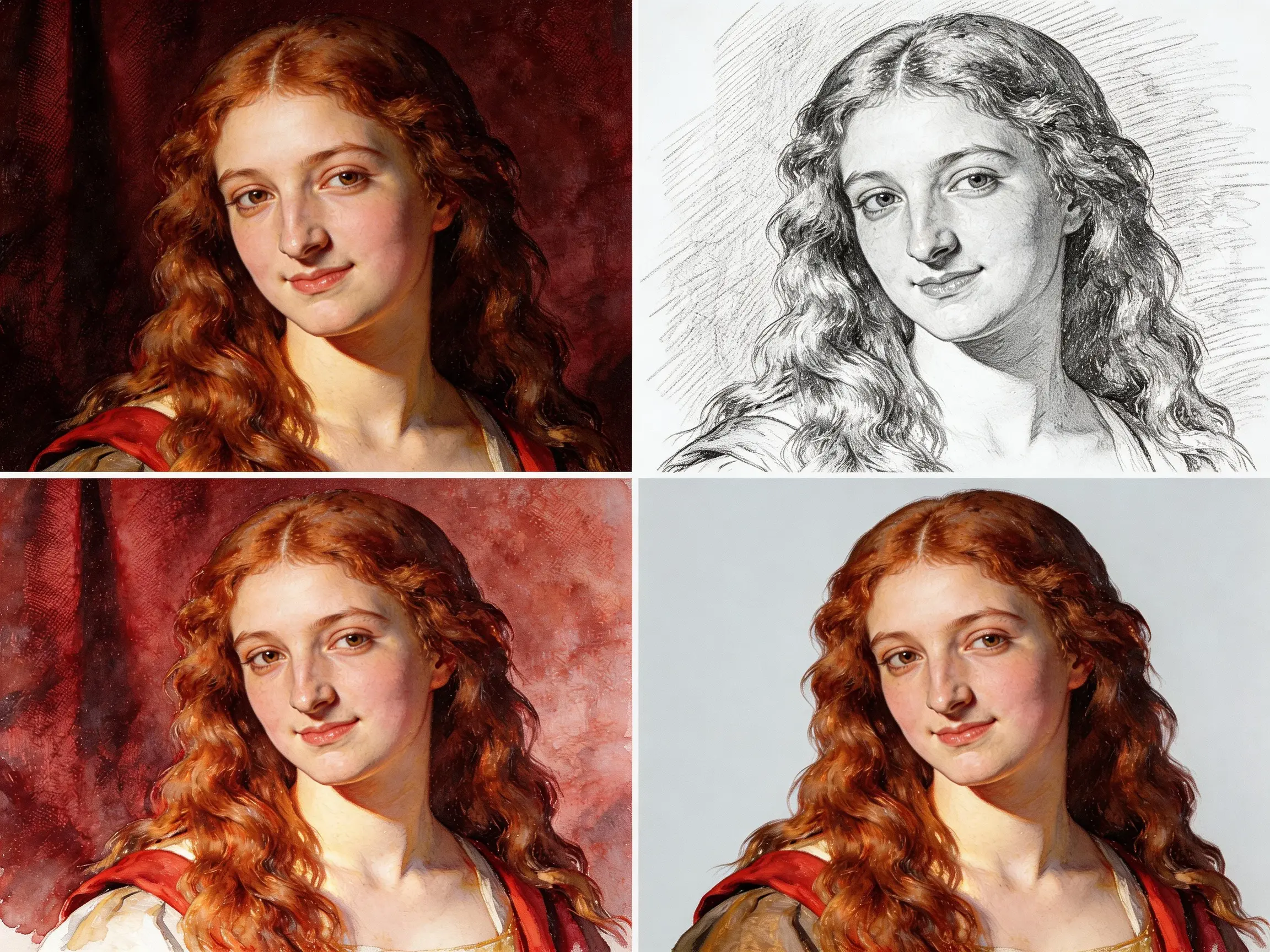
Generate artistic portraits with dramatic lighting, creative compositions, and painterly effects. Perfect for portfolio work and creative expression.
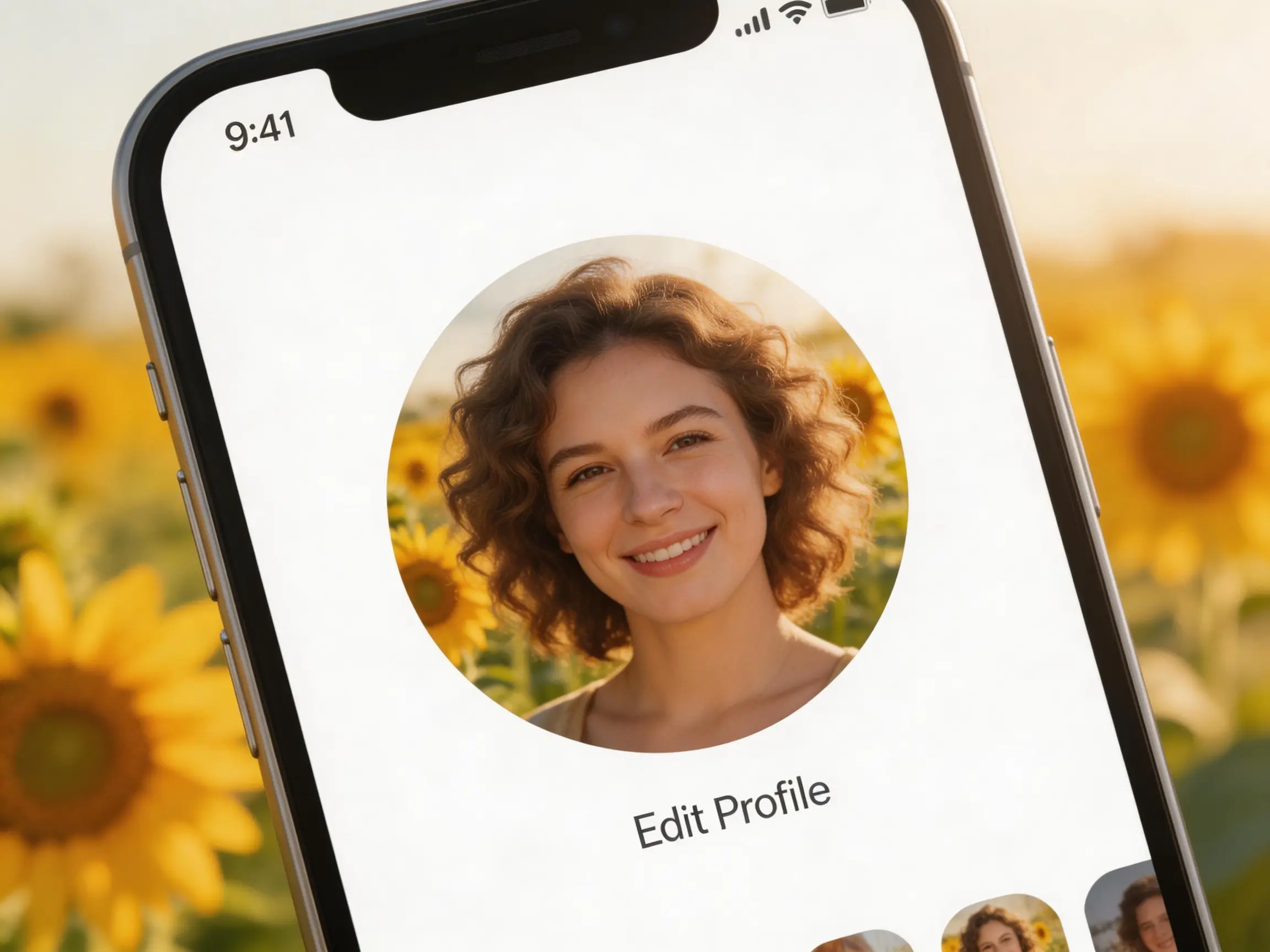
Create eye-catching avatars and profile pictures that represent your personality. From realistic to stylized, make your social presence memorable.
How It Works
Create Professional Portraits in 3 Steps
No photography studio needed. Generate studio-quality portraits from text descriptions.
Describe the Portrait
Specify age, gender, expression, lighting, and background. Example: "professional headshot, 35-year-old woman, confident smile, studio lighting, gray background".
Select Lighting and Style
Choose from studio lighting, natural light, dramatic lighting, or golden hour. Select photorealistic or artistic styles based on your needs.
Refine Expression and Pose
Adjust facial expression, head angle, and pose. Generate variations until you achieve the perfect portrait for your purpose.