Seedream AI Image Generator (Free & Online)
Create and edit images with Seedream AI directly in MakeShort. Seedream follows natural language instructions, keeps character identity stable, and delivers polished high-resolution results in seconds.
Explore Seedream AI's Models
Why Seedream AI
Prompt Editing, Character Consistency, and High-Fidelity Output
Seedream combines image generation and image editing in one workflow. Describe what to change in plain language, preserve visual identity across outputs, and produce assets ready for social, ads, and design production.
Natural Language Image Editing
Edit existing images by describing exactly what should change, such as replacing objects, adjusting lighting, or refining text, while preserving the original scene structure.
Use Seedream on MakeShort to iterate faster with clear text instructions.
Reliable Character and Style Consistency
Maintain face details, color cues, and style direction across multiple generations. Ideal for character-based campaigns, storyboards, and multi-scene creative sets.
Generate consistent character series with Seedream in one workflow.
High-Quality Text-to-Image Results
Generate detailed visuals from complex prompts with strong prompt adherence, sharper composition, and cleaner text rendering than many general image models.
Create production-ready Seedream outputs on MakeShort for marketing and design.
What You Can Create with Seedream AI
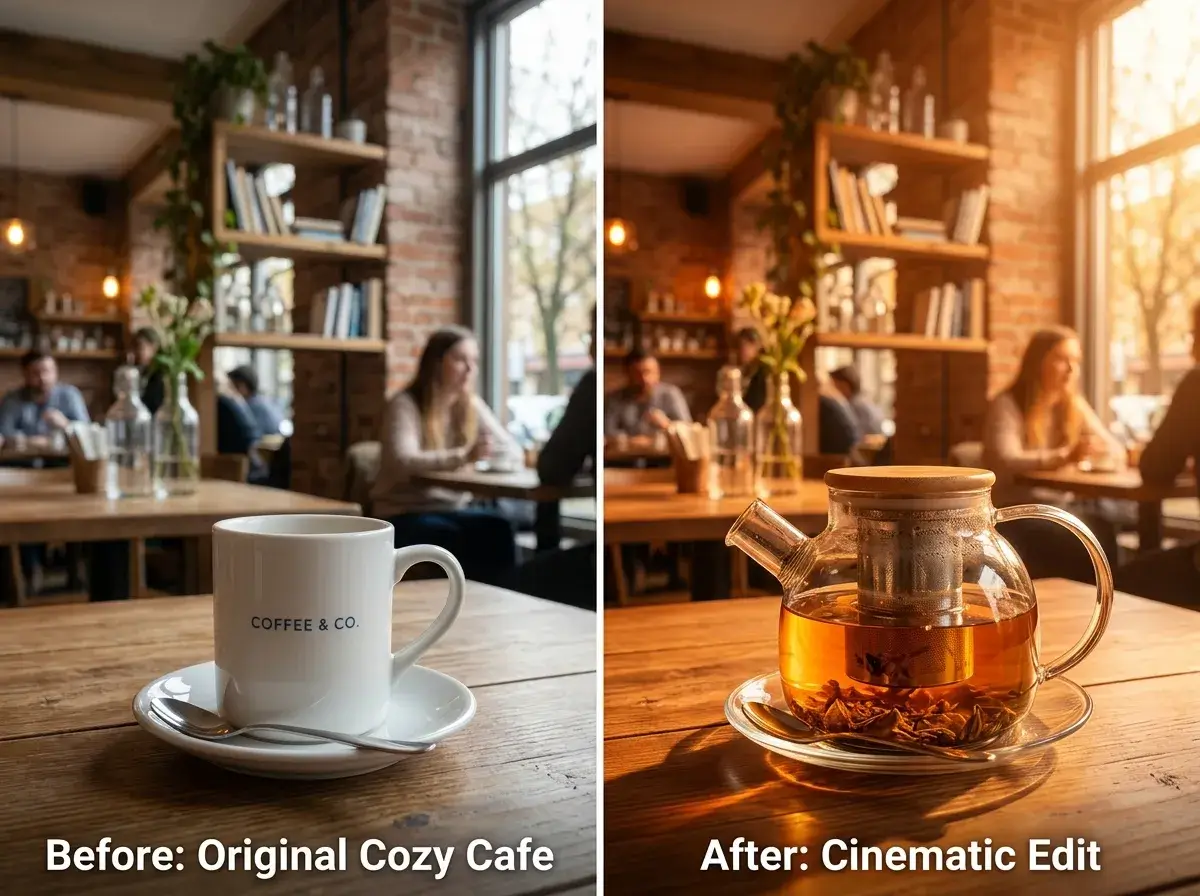
Start from an existing image and edit specific parts through text instructions. Remove, replace, or upgrade elements without rebuilding the entire scene.
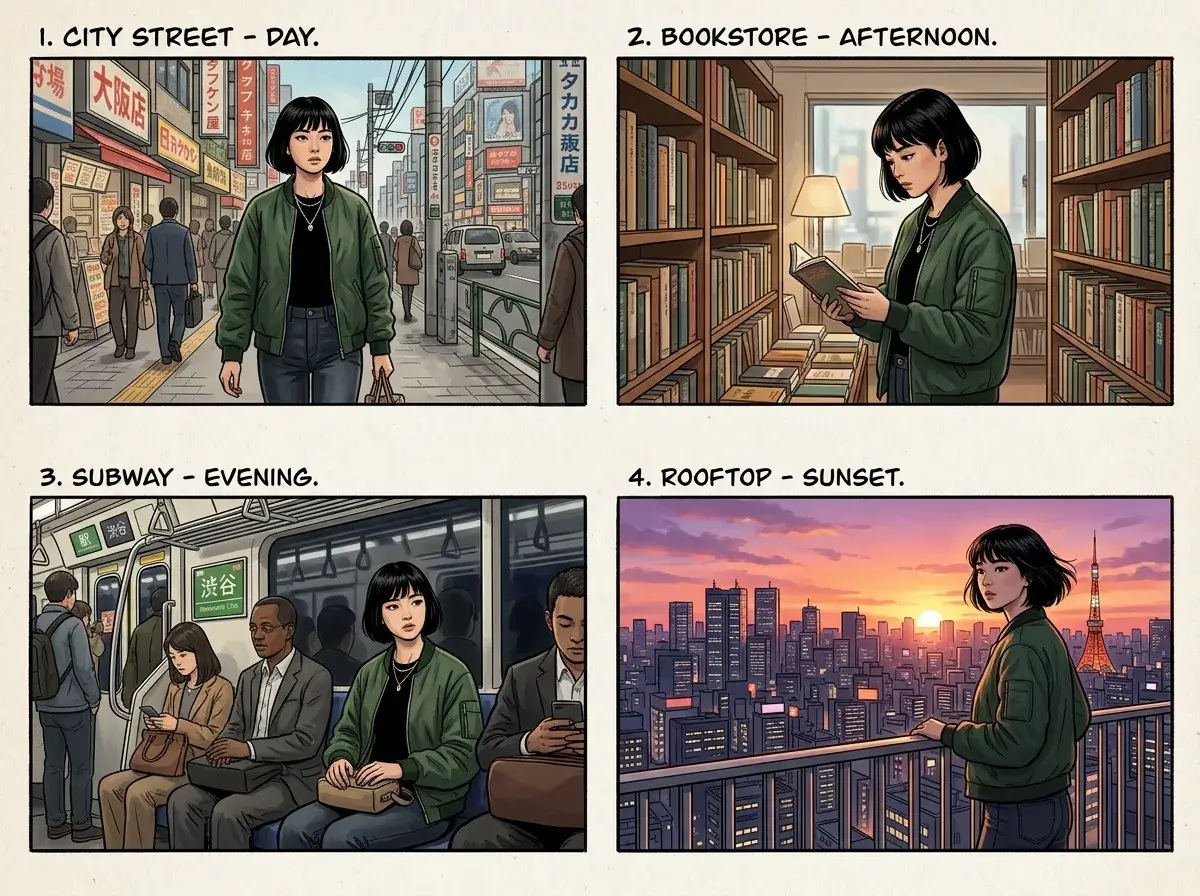
Create character variations across outfits, angles, and environments while preserving facial traits and style consistency.
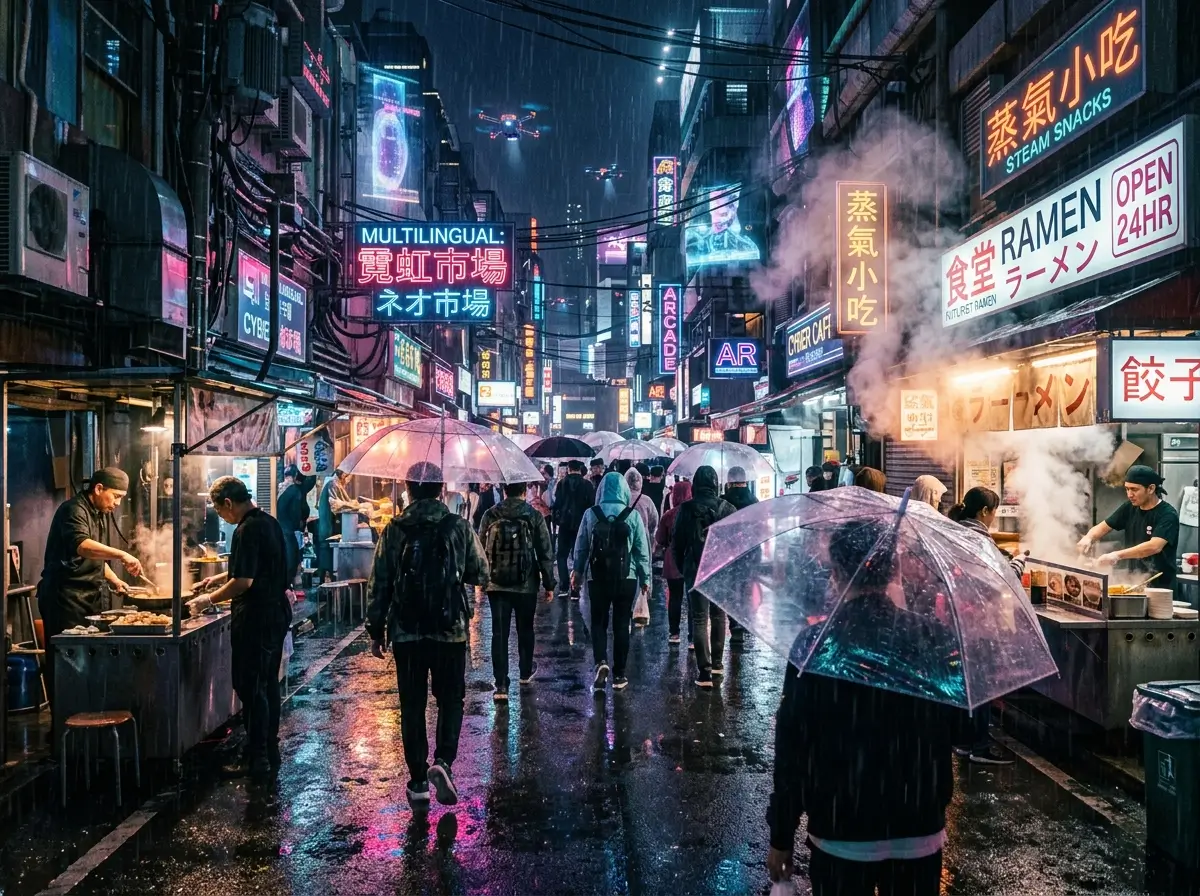
Describe complex scenes in natural language and produce polished outputs with rich textures, clear structure, and better instruction following.
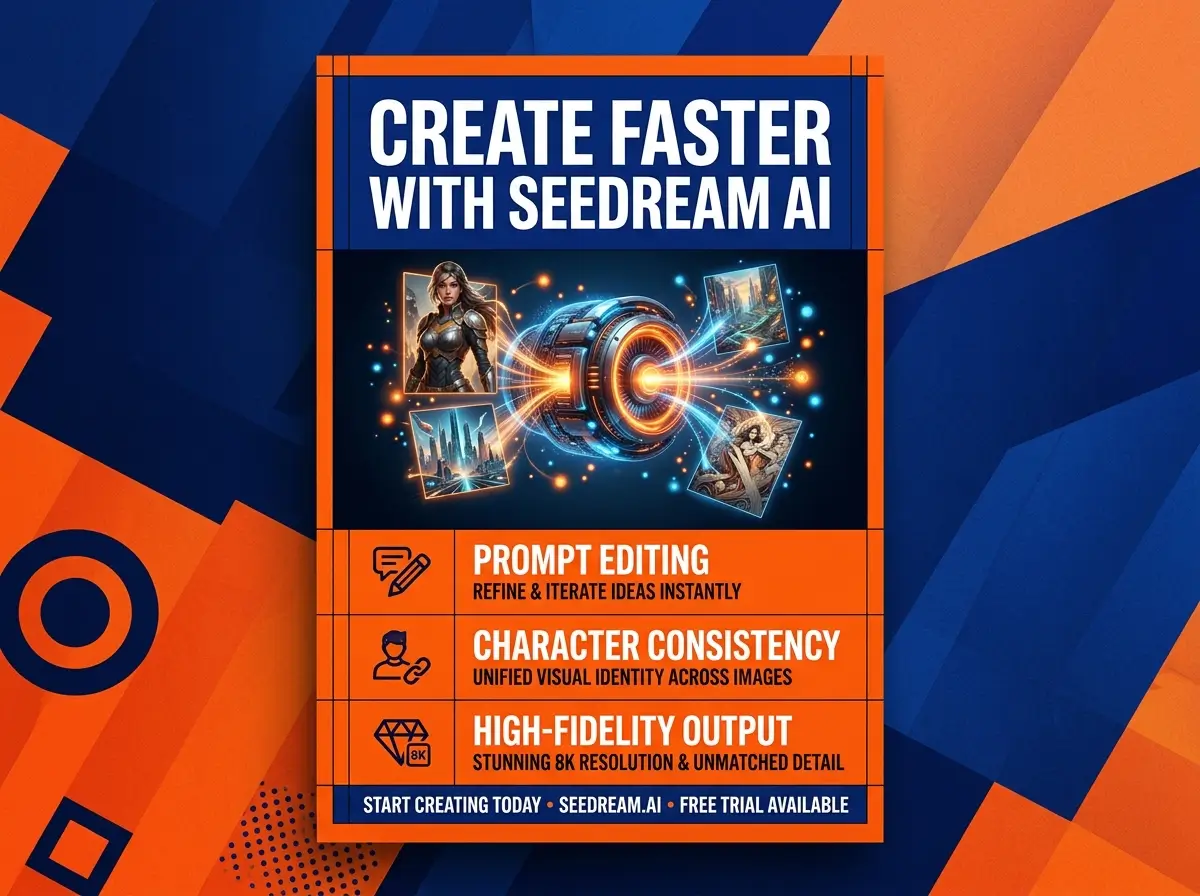
Generate posters, labels, and infographic-like assets with more legible text and improved layout coherence for publishing workflows.
How It Works
Generate with Seedream AI in 3 Steps
From first prompt to final asset, Seedream on MakeShort keeps the image workflow fast and simple.
Select Seedream Model
Open MakeShort AI image tool and choose Seedream from the model list. Upload a reference image when you want guided editing or stronger consistency.
Write Prompt or Edit Instructions
Describe the image you want or explain exactly what to modify. Be explicit about subject, style, composition, lighting, and text details.
Generate, Iterate, and Download
Generate in seconds, refine with prompt changes, and download your final high-quality image for social, ads, or design delivery.